
Introduction
When it comes to Software Supply Chain Security, we cannot not talk about dependency confusion.
Dependency confusion occurs when an attacker tricks a package manager into installing a malicious package from a public repository instead of the legitimate dependency hosted in a private repository. And npx confusion? That’s a flavour of dependency confusion specific to npm. It’s a new technique name we introduced in our DEF CON 33 talk “Breaking the Chain: Advanced Offensive Strategies in the Software Supply Chain.”

While npm is the package manager for Node.js, npx (Node Package eXecute) is a CLI command embedded in npm that allows you to execute a command from an npm package, whether installed locally or fetched remotely. Developers can run JavaScript packages directly from the npm registry without explicitly installing them first.
And now, you’ve guessed correctly. When digging into the inner workings of npx, we found a flaw. And this flow turned into several five-figure bounties.
It’s Not Very Effective
In January 2024, our team was invited to a Live Hacking Event (LHE) hosted by HackerOne. LHEs are on-site bug bounty hunting “hackathons,” where HackerOne researchers from all over the world meet for a few days to try to uncover vulnerabilities in the systems of one or several willing customers. If they find something worth reporting, they get a reward, and the more critical the vulnerability, the higher the reward.
The target of this particular event used npm as their package manager. After some initial digging, we noticed they were exposing a package.json file in their JavaScript bundle, which is not inherently a vulnerability. This is fairly common when using a module bundler like webpack. But it revealed a potential attack vector, and we were eager to explore it.
{
  "name": "@scope/package-name",
  "version": "1.1.42",
  "license": "MIT",
  "repository": {
    "type": "git",
    "url": "https://github.cloud.example.com/namespace/package-name.git"
  },
  "scripts": {
    "binary": "npx binary_name",
    "test": "echo \"Error: no test specified\" && exit 1"
  }
}
The scripts section of a package.json file contains commands that automate tasks for that kind of project. In this case, it referenced a binary name executed by npx. The twist? No package of that same name existed.
So we claimed it. And demonstrated remote code execution.
Victorious, we reported the issue to the company. They closed it as informative, convinced that no one would fall for something as blatant as installing a malicious package claimed on the public registry.
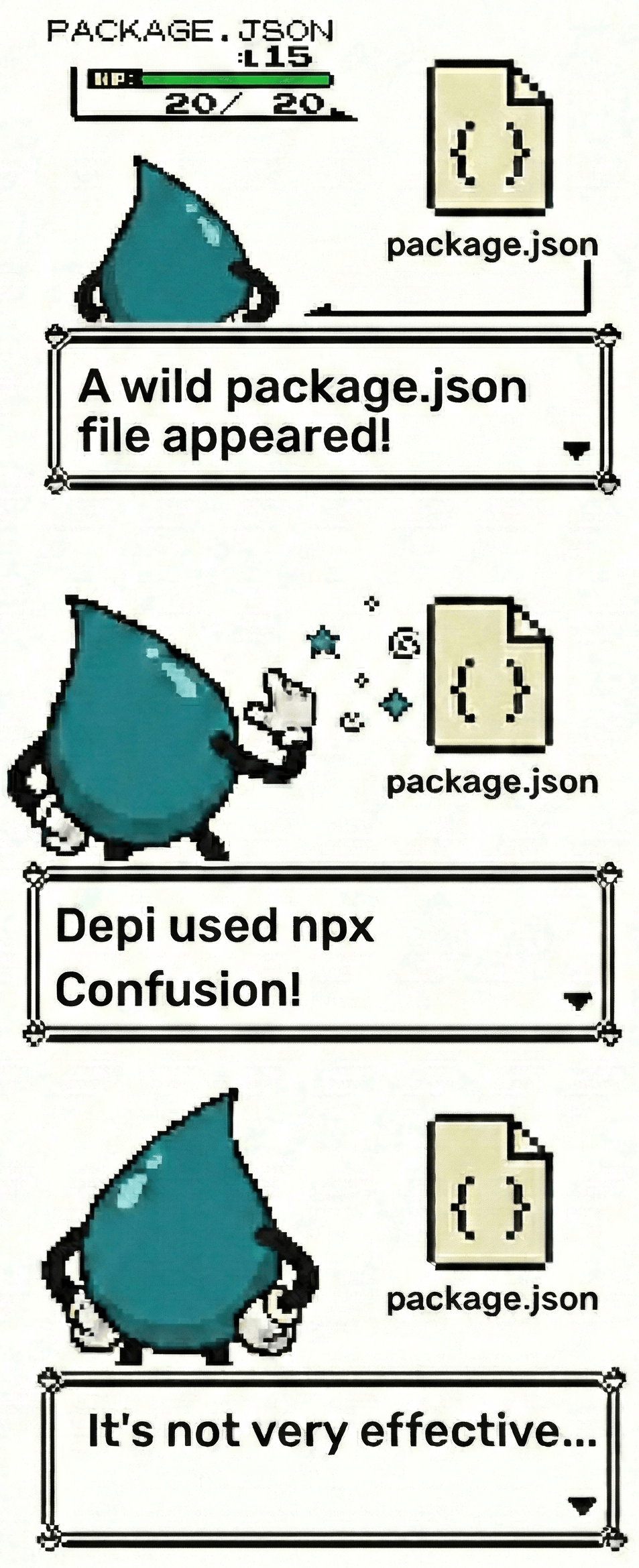
But we weren’t done. We set out to prove it wasn’t just informative. We continued the research, refined our approach, and it led to multiple additional bounties.
npx Used Confusion
The main place where binaries are executed by npx is in the bin section of package definitions.
{
  "name": "@scope/package-name",
  "description": "A sample package with a bin section.",
  "bin": {
    "binary_name": "./bin/run"
  },
  "scripts": {
    "test": "echo \"Error: no test specified\" && exit 1"
  }
}
In another package.json file, we noticed a local dependency reference in the bin section, so calling npx on that package would run the binary that is defined.
Under normal circumstances, the binary is installed locally or the scripts initiate it with the command npm install <binary_package>. But the magic happens when npm cannot find the referenced binary.
npx Resolution Flow
When running npx <name>, npm follows a specific resolution order to find the executable:
- Check local
node_modules/.bin - Check global bin directory
- Check locally installed packages
- Check globally installed packages
- Check the npx cache (
~/.npm/_npx/) - Fetch from npm registry and install to cache
As an example, we run npx cowsay. The CLI invokes the Exec command in lib/commands/exec.js. This command gathers configuration and calls the libnpmexec library. All line references below are pinned to npm CLI v11.15.0.
Step 1 - Check local node_modules/.bin
When no --package flag is given, needPackageCommandSwap is set to true. npm doesn't yet know if args[0] is a bin name or a package name, so it first searches for it as a bin:
    if (needPackageCommandSwap) {
      // no bin entry in local packages or in tree, now we look for binPaths
      const dir = dirname(dirname(localBin))
      const localBinPath = await localFileExists(dir, args[0], '/')
      if (localBinPath) {
        binPaths.push(localBinPath)
        return await run()
      } else if (globalPath && await fileExists(`${globalBin}/${args[0]}`)) {
        binPaths.push(globalBin)
        return await run()
      }
      // We swap out args[0] with the bin from the manifest later
      packages.push(args[0])
    }
Source: workspaces/libnpmexec/lib/index.js#L157-L170
localFileExists checks if the executable already exists in local bin paths. It walks up the directory tree looking for node_modules/.bin/cowsay:
const localFileExists = async (dir, binName, root) => {
  for (const path of walkUp(dir)) {
    const binDir = resolve(path, 'node_modules', '.bin')

    if (await fileExists(resolve(binDir, binName))) {
      return binDir
    }

    if (path.toLowerCase() === resolve(root).toLowerCase()) {
      return false
    }
  }

  return false
}
Source: workspaces/libnpmexec/lib/file-exists.js#L14-L28
Step 2 - Check global bin directory
In the same block as above, if localFileExists returns nothing, npx falls through to the global bin directory (e.g., /usr/local/bin/cowsay):
      } else if (globalPath && await fileExists(`${globalBin}/${args[0]}`)) {
        binPaths.push(globalBin)
        return await run()
      }
Source: workspaces/libnpmexec/lib/index.js#L164-L167
If the binary is found, it runs immediately without any installation. If not, the next step is crucial. If a package isn’t specified, npx assumes the package name matches the provided name (args[0]). That assumption is encoded right after, at index.js#L169: packages.push(args[0]).
Step 3 - Check locally installed packages
Arborist is npm's dependency tree manager. If no binary is found, npx uses Arborist to load the dependency tree and search for a corresponding package.
  const localArb = new Arborist({ ...flatOptions, path })
  const localTree = await localArb.loadActual()

  // Find anything that isn't installed locally
  const needInstall = []
  let commandManifest
  await Promise.all(packages.map(async (pkg, i) => {
    const spec = npa(pkg, path)
    const { manifest, node } = await missingFromTree({ spec, tree: localTree, flatOptions })
    if (manifest) {
      // Package does not exist in the local tree
      needInstall.push({ spec, manifest })
      if (i === 0) {
        commandManifest = manifest
      }
    } else if (i === 0) {
      // The node.package has enough to look up the bin
      commandManifest = node.package
    }
  }))
Source: workspaces/libnpmexec/lib/index.js#L183-L202
loadActual() reads node_modules/ on disk and builds an in-memory graph of Node objects (the "tree"), queryable by package name, version, and resolved URL.
missingFromTree() queries the tree's inventory by package name and checks version satisfaction. If no version is specified, it takes the latest. If a matching node is found, it returns { node } (present). If not, it fetches a manifest from the registry and returns { manifest } (missing).
Step 4 - Check globally installed packages
The following only runs if packages are missing from the local tree. It loads the global tree and also verifies the translated bin name actually exists in globalBin.
    if (needInstall.length > 0 && globalPath) {
      // See if the package is installed globally. If it is, run the translated bin
      const globalArb = new Arborist({ ...flatOptions, path: globalPath, global: true })
      const globalTree = await globalArb.loadActual().catch(() => {
        log.verbose(`Could not read global path ${globalPath}, ignoring`)
        return null
      })
      if (globalTree) {
        const { manifest: globalManifest } =
          await missingFromTree({ spec, tree: globalTree, flatOptions, shallow: true })
        if (!globalManifest && await fileExists(`${globalBin}/${args[0]}`)) {
          binPaths.push(globalBin)
          return await run()
        }
      }
    }
Source: workspaces/libnpmexec/lib/index.js#L213-L228
Step 5 - Check the npx cache (~/.npm/_npx/)
flatOptions.npxCache is the root cache directory where npx keeps temporary install environments for command packages. Instead of installing into the current project, it creates or reuses a separate cache folder keyed by the requested package set.
The hash builds that key. It takes the requested packages, normalizes them, sorts them, joins them into a stable string, computes a SHA-512 digest, and keeps the first 16 hex characters.
  if (needInstall.length > 0) {
    // Install things to the npx cache, if needed
    const { npxCache } = flatOptions
    if (!npxCache) {
      throw new Error('Must provide a valid npxCache path')
    }
    const hash = crypto.createHash('sha512')
      .update(packages.map(p => {
        // Keeps the npx directory unique to the resolved directory, not the
        // potentially relative one (i.e. "npx .")
        const spec = npa(p)
        if (spec.type === 'directory') {
          return spec.fetchSpec
        }
        return p
      }).sort((a, b) => a.localeCompare(b, 'en')).join('\n'))
      .digest('hex')
      .slice(0, 16)
    const installDir = resolve(npxCache, hash)
    await mkdir(installDir, { recursive: true })
    const npxArb = new Arborist({
      ...flatOptions,
      path: installDir,
    })
    const lockPath = join(installDir, 'concurrency.lock')
    const npxTree = await withLock(lockPath, () => npxArb.loadActual())
    await Promise.all(needInstall.map(async ({ spec }) => {
      const { manifest } = await missingFromTree({
        spec,
        tree: npxTree,
        flatOptions,
        isNpxTree: true,
      })
      if (manifest) {
        // Manifest is not in npxCache, we need to install it there
        if (!spec.registry) {
          add.push(manifest._from)
        } else {
          add.push(manifest._id)
        }
      }
    }))
Source: workspaces/libnpmexec/lib/index.js#L232-L273
Then a new Arborist instance is created for that cache directory, not for the current project. npm then inspects and possibly installs packages into the cache environment. Then it checks each package from needInstall against that cache tree. In our case, cowsay.
If the package is already present in the cache, manifest is null and nothing is added. If it is still missing, manifest is returned and the package is queued into add for installation.
Step 6 - Fetch from npm registry and install to cache
The add array contains package specs that are missing from all previous trees. As mentioned earlier, when no --package flag is given, this traces back to packages.push(args[0]). The original npx cowsay argument becomes the install spec.
    if (add.length) {
      if (!yes) {
        const addList = add.map(a => `${a.replace(/@$/, '')}`)

        // set -n to always say no
        if (yes === false) {
          // Error message lists missing package(s) when process is canceled
          /* eslint-disable-next-line max-len */
          throw new Error(`npx canceled due to missing packages and no YES option: ${JSON.stringify(addList)}`)
        }

        if (noTTY() || ciInfo.isCI) {
          /* eslint-disable-next-line max-len */
          log.warn('exec', `The following package${add.length === 1 ? ' was' : 's were'} not found and will be installed: ${addList.join(', ')}`)
        } else {
          const confirm = await input.read(() => read({
            /* eslint-disable-next-line max-len */
            prompt: `Need to install the following packages:\n${addList.join('\n')}\nOk to proceed? `,
            default: 'y',
          }))
          if (confirm.trim().toLowerCase().charAt(0) !== 'y') {
            throw new Error('canceled')
          }
        }
      }
      await withLock(lockPath, () => npxArb.reify({
        ...flatOptions,
        save: true,
        add,
      }))
    }
    binPaths.push(resolve(installDir, 'node_modules/.bin'))
    const pkgJson = await PackageJson.load(installDir)
    pkgJson.update({ _npx: { packages } })
    await pkgJson.save()
Source: workspaces/libnpmexec/lib/index.js#L275-L309
After prompting the user, it calls arborist.reify() to fetch and install the missing packages into the npx cache directory from the public registry. The installed bin path is then added to binPaths, which gets prepended to PATH when the command is executed.
To sum up in simpler terms, when running npx cowsay, if no binary is found locally or globally, or in cache, npx uses the provided name in args[0] (cowsay) as the package name to fetch from the public registry and install to cache.
Why Confusion?
Binary names and package names do not necessarily match.
As described in the previous section, if a binary name cannot be resolved locally, npx assumes it needs to install a package with that same name and queries the npm registry for it. If such a package does not already exist, the attacker can register a malicious package under that binary name and it will get fetched by npm.
That’s the core of the confusion. And it gets worse with scoped packages.
When your package.json uses an npm scope (for example, @company/package), the package name includes the scope, but the exposed binary defined in the bin field cannot include it. Binaries cannot contain the / used in scoped names.
That means the package name and binary name are inherently different, and if the unscoped binary name is not claimed on the public registry, it becomes a potential target for takeover.
If the binary is installed locally within the current workspace, npx will execute that local binary instead of fetching a package from the public registry. However, context matters. If you switch window in your terminal, open a new workspace, or otherwise move outside the project root, npx will no longer resolve the intended node_modules/ path. When that happens, it fails to find the local binary and falls back to querying the public registry.
It’s Super Effective
So when we spot binaries being executed in the wild with unclaimed corresponding package names, what do we do? We claim that package name, and upload a malicious payload that appears legitimate.
Perhaps no one would manually fall into the trap and install a suspicious, attacker-controlled package. But npm will. And once it does, especially in widely used libraries, how many downstream companies are affected?
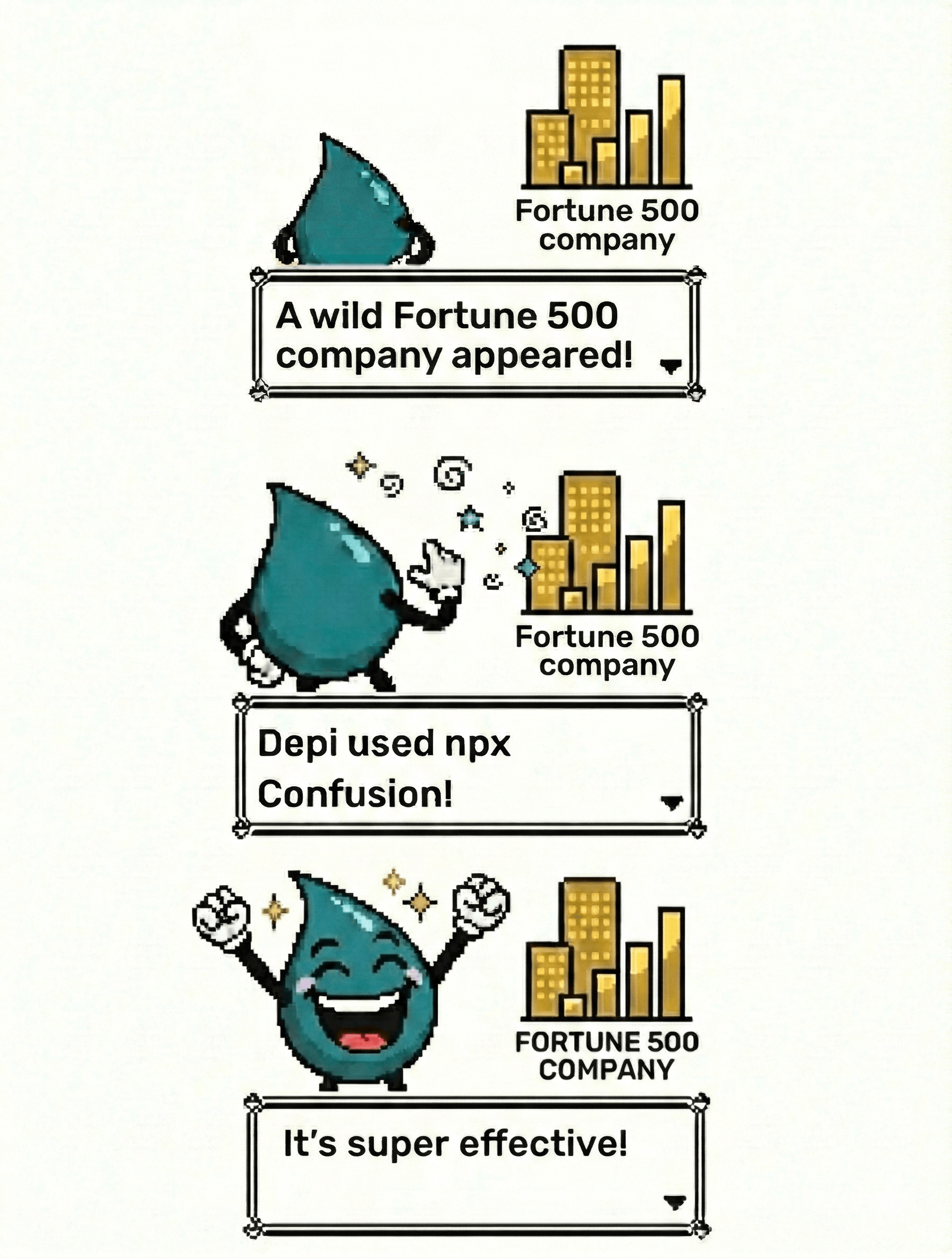
Eventually, after getting pingbacks from our exploits with successful data exfil (albeit harmless), we convinced the company the issue was real, and they paid a $30,000 bounty. Since then, we’ve primarily impacted Fortune 500 companies and, for some reason, quite a few crypto companies.
And the search continues.
Charlie Eriksen’s article (we send a <3 to Charlie) from Aikido, “npx Confusion: Packages That Forgot to Claim Their Own Name,” which briefly mentions our research, shows just how real this risk is. Over seven months, 128 unclaimed “phantom” packages were registered and collectively downloaded 121,539 times. Three high-profile names alone accounted for 79% of all executions.
Automated npx Confusion
There’s another dimension to this that makes npx Confusion even more relevant today: AI agents.
AI agents will use npx under the hood to dynamically download and execute tools, scripts, or “skills” during runtime. The whole point of these systems is to fetch what they need and execute it without human intervention. Which means they follow the same resolution logic.
If an agent is instructed to execute a binary that isn’t installed locally, npx will resolve it. If the corresponding package name is unclaimed, the registry lookup happens automatically. There won’t be any humans to call sus on that package.
An AI agent will not question whether that package should exist. It will not manually verify ownership. It will simply execute. And unlike a human developer, it may do this repeatedly, at scale, across environments.
Conclusion
npx confusion is not a zero-day. It’s a predictable outcome of how npx resolves and executes binaries. In an ecosystem of AI agents that dynamically fetch code, it becomes inevitable.
If a referenced binary isn’t found locally, npx will fetch and execute a package from the public registry. And if that name hasn’t been claimed, anyone can register it.
Unlike classic dependency confusion, this doesn’t hinge on private-versus-public registry precedence. It relies on execution flow and name mismatches, especially common with scoped packages, where binary and package names naturally diverge.
What started as a LHE finding, initially dismissed as “informative,” led to multiple real-world bounties. It was later reinforced by broader research showing more than 121,000 executions of unclaimed package names in just seven months.
The takeaway is simple: implicit install-and-execute behavior creates a trust boundary. Unclaimed names turn that boundary into risk.